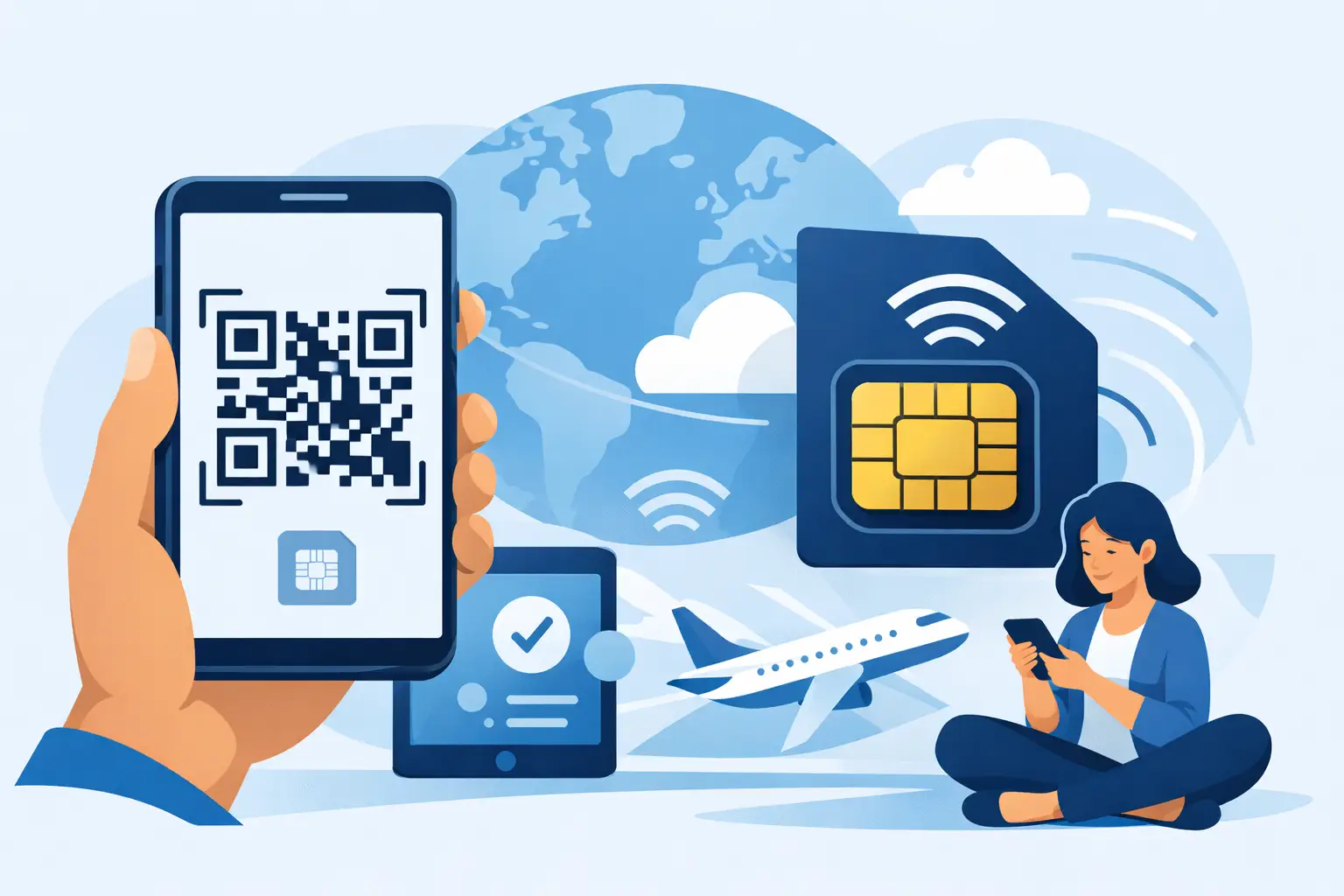
Sie landen, schalten den Flugmodus aus und brauchen sofort Daten für Fahrten, Karten und Nachrichten. Genau hier kommt qr code esim activation ins Spiel. Anstatt nach einem SIM-Kiosk zu suchen oder Roaming-Gebühren zu zahlen, scannen Sie einen Code, installieren den Tarif und sind in wenigen Minuten verbunden.
Für die meisten Reisenden liegt der Reiz auf der Hand: keine physische SIM-Karte, kein Ladenbesuch und kein Warten auf den Versand. Ihr eSIM-Tarif wird digital geliefert, in der Regel per E-Mail, und der QR-Code teilt Ihrem Telefon mit, wie der Mobilfunktarif heruntergeladen wird. Es geht schnell, aber es hilft auch, zu wissen, was im Hintergrund passiert, damit die Einrichtung einfach statt technisch wirkt.
Was qr code esim activation tatsächlich bewirkt
Ein QR-Code für die eSIM-Aktivierung ist nicht Ihr Mobilfunkdienst selbst. Er ist der Einrichtungsschlüssel. Wenn Sie ihn in den Mobilfunkeinstellungen Ihres Telefons scannen, liest Ihr Gerät die Aktivierungsdetails und lädt das eSIM-Profil vom Anbieter herunter.
Dieses Profil enthält die Informationen, die Ihr Telefon benötigt, um sich mit dem Netzwerk Ihres Reiseplans zu verbinden. Nach der Installation liegt die eSIM neben Ihrer regulären SIM oder eSIM, je nach Gerät. Das bedeutet, dass viele Reisende ihre Hauptnummer für Anrufe oder Zwei-Faktor-Codes aktiv lassen können, während sie günstigere Reisedaten auf der neuen Leitung nutzen.
Deshalb ist die QR-Einrichtung zum Standard für Reise-eSIMs geworden. Sie beseitigt den Großteil der Reibungspunkte. Sie kaufen online, erhalten den Code in Sekunden, scannen ihn, benennen die Leitung und wählen, wie Daten vor Ihrer Reise oder nach der Ankunft funktionieren sollen.
Wie QR-Code-eSIM-Aktivierung Schritt für Schritt funktioniert
Der Vorgang ist in der Regel unkompliziert, obwohl die genauen Menünamen je nach Telefonmodell variieren. Auf einem iPhone gehen Sie im Allgemeinen zu Mobilfunk oder Mobile Daten und wählen eSIM hinzufügen oder Mobilfunktarif hinzufügen. Auf Android finden Sie die Option normalerweise unter Netzwerk und Internet, SIMs oder Mobilfunknetz.
Von dort wählen Sie die QR-Code-Option und richten Ihre Kamera auf den erhaltenen Code. Ihr Telefon überprüft dann die Aktivierungsdetails und fordert Sie auf, das Hinzufügen des Tarifs zu bestätigen. Nach der Installation können Sie die Leitung in etwas Klares wie Japan Daten oder Europa-Reise umbenennen, sie als Ihre Datenleitung festlegen und entscheiden, ob Ihre Hauptleitung aktiv bleiben soll.
Einige Tarife werden sofort nach der Installation der eSIM aktiviert. Andere beginnen erst, wenn das Telefon im Zielland erstmals eine Verbindung herstellt. Dieser Unterschied ist wichtig. Wenn Ihr Tarif ein kurzes Gültigkeitsfenster hat, kann eine zu frühe Installation einen oder zwei Tage verschwenden. Wenn er bei der ersten Netzwerkverbindung aktiviert wird, ist eine frühe Installation in der Regel die sicherere Wahl, da Sie alles noch über Wi-Fi klären können.
Bevor Sie scannen, prüfen Sie diese drei Dinge
Stellen Sie zunächst sicher, dass Ihr Telefon eSIM unterstützt. Die meisten neueren iPhones, viele neuere Samsung Galaxy-Modelle, Google Pixel-Telefone und ausgewählte Geräte anderer Marken tun dies. Aber Unterstützung allein reicht nicht aus.
Ihr Telefon muss auch netzbetreiberunabhängig (entsperrt) sein. Wenn es an Ihren Heimatanbieter gebunden ist, kann die eSIM während der Einrichtung fehlschlagen oder sich später weigern, eine Verbindung herzustellen. Das trifft viele Reisende unvorbereitet, besonders wenn das Telefon auf Raten oder direkt beim Netzbetreiber gekauft wurde.
Verwenden Sie schließlich eine stabile Internetverbindung während der Installation. Der QR-Code löst einen Download aus, sodass schwaches Hotel-Wi-Fi oder eine unzuverlässige Flughafenverbindung den Vorgang unterbrechen kann. Es ist ein kleines Detail, verhindert aber viel unnötige Fehlersuche.
Warum Reisende die QR-Code-Einrichtung bevorzugen
Der größte Vorteil ist die Geschwindigkeit. Ein digitaler Tarif kann in Sekunden gekauft und geliefert werden, was viel praktischer ist als die Suche nach einer lokalen SIM nach einem langen Flug. Wenn Sie Reise-eSIM-Optionen vergleichen nach Preis und Abdeckung, bevor Sie kaufen, können Sie oft Kosten senken, ohne zusätzlichen Einrichtungsaufwand zu haben.
Es besteht auch ein geringeres Risiko, Ihre Haupt-SIM zu verlieren. Bei einem physischen Wechsel müssen Sie Ihre vorhandene Karte entnehmen, sicher aufbewahren und später wieder einsetzen. Mit eSIM bleibt Ihre Hauptkonfiguration auf dem Telefon. Sie fügen einfach eine weitere Leitung hinzu.
Für budgetbewusste Reisende erleichtert qr code esim activation auch den Preisvergleich. Da die Lieferung in jedem Fall digital erfolgt, können Sie nach Preis, Datenmenge, Gültigkeitsdauer und Netzabdeckung wählen, anstatt sich mit dem abzufinden, was der Flughafenkiosk gerade verkauft.
Häufige Probleme und wie man sie löst
Wenn der QR-Code nicht gescannt werden kann, beginnen Sie mit dem Offensichtlichen. Helligkeit ist wichtig. Ebenso Bildschirmblendung, wenn der Code auf einem anderen Gerät angezeigt wird. Versuchen Sie, den Code zu vergrößern, das Kameraobjektiv zu reinigen und sich in besseres Licht zu begeben. Wenn Sie den Code ausgedruckt haben, kann ein zerknitterter oder qualitätsarmer Ausdruck ebenfalls Probleme verursachen.
Wenn Ihr Telefon anzeigt, dass der Mobilfunktarif nicht hinzugefügt werden kann, liegen die häufigsten Gründe darin, dass das Gerät gesperrt ist, der Code bereits verwendet wurde oder der falsche Installationspfad in den Einstellungen ausgewählt wurde. Viele eSIM-QR-Codes sind Einmalcodes, sodass Sie möglicherweise einen neuen Code vom Anbieter benötigen, wenn das Profil bereits einmal installiert und gelöscht wurde.
Wenn die Installation erfolgreich ist, die Daten nach der Ankunft aber nicht funktionieren, prüfen Sie, ob Daten-Roaming für die Reise-eSIM-Leitung aktiviert ist. Viele internationale eSIMs erfordern diese Einstellung, auch wenn der Begriff Daten-Roaming wie etwas klingt, das man vermeiden sollte. Bei einer Reise-eSIM ist es für die Partnernetzkonnektivität oft notwendig.
Sie sollten auch bestätigen, dass die Reise-eSIM für mobile Daten ausgewählt ist und dass Ihre Hauptleitung die Daten nicht noch standardmäßig verwaltet. In manchen Fällen müssen Sie möglicherweise manuell ein unterstütztes Netzwerk wählen, wenn die automatische Auswahl zu lange dauert.
Manuelle Aktivierung ist möglich, aber QR ist einfacher
Einige Anbieter senden auch manuelle Aktivierungsdetails wie eine SM-DP+-Adresse und einen Aktivierungscode. Das ist als Backup nützlich, wenn der QR-Code auf Ihrem Bildschirm nicht zugänglich ist oder das Kamera-Scannen fehlschlägt.
Dennoch ist QR für die meisten Menschen einfacher, da es Tippfehler reduziert. Ein einziges falsches Zeichen in einer manuellen Adresse kann die Installation zum Stillstand bringen. Wenn Sie einen Tarif einrichten, während Sie durch einen Flughafen eilen, ist Scannen in der Regel die bessere Option.
Wann Sie Ihre Reise-eSIM installieren sollten
Die sicherste Antwort lautet in der Regel: vor dem Flug, aber nicht blindlings. Prüfen Sie zunächst die Aktivierungsrichtlinie des Tarifs. Wenn die Gültigkeitsdauer mit der Installation beginnt, warten Sie bis kurz vor der Abreise. Wenn sie bei der ersten Verbindung am Zielort beginnt, installieren Sie sie ein oder zwei Tage im Voraus, während Sie noch zuverlässiges Wi-Fi haben und Zeit zur Fehlerbehebung.
Diese kleine Planung spart Stress. Das beste Reise-Setup ist das, das vor der Landung bereit ist, nicht das, das Sie in einer Ankunftshalle mit 8 Prozent Akku zu reparieren versuchen.
Die Wahl des richtigen Tarifs ist genauso wichtig wie die Aktivierung
Ein QR-Code ermöglicht die Installation, aber der Tarif selbst bestimmt, ob das Erlebnis tatsächlich ein gutes Preis-Leistungs-Verhältnis bietet. Einige Reisende benötigen für kurze Reisen nur wenige Gigabyte für Karten und Nachrichten. Andere benötigen hohe Datenlimits oder unbegrenzte Tagespakete für Hotspot-Nutzung, Fernarbeit oder Mehrstädtereisen.
Regionaltarife können günstiger und bequemer sein als der Kauf separater Ländertarife, wenn Sie Grenzen überschreiten. Andererseits kann ein lokaler Tarif einen besseren Preis pro Gigabyte bieten, wenn Sie nur ein Ziel besuchen. Es hängt von Ihrer Route, Ihrem Verbrauch und der Dauer Ihrer Abwesenheit ab.
Deshalb ist ein vergleichsorientierter Ansatz sinnvoll. Ein Marktplatz wie CheapereSIM hilft Reisenden, nach Land, Region, Preis und Datenmenge zu filtern, sodass die Einrichtung schnell bleibt, ohne für einen Tarif zu viel zu zahlen, der nicht zur Reise passt.
Ist qr code esim activation sicher?
Im normalen Gebrauch ja. Der QR-Code ist lediglich eine Methode zum Laden des eSIM-Profils auf Ihr Telefon. Er ermöglicht keinen willkürlichen Zugriff auf Ihr Gerät. Das größere praktische Problem ist der Datenschutz rund um die E-Mail oder den Bildschirm, auf dem der Code angezeigt wird. Da viele Codes Einmalcodes sind, sollten Sie das Teilen von Screenshots oder das unnötige Weiterleiten von Aktivierungsdetails vermeiden.
Es ist auch klug, eine Kopie der Anweisungen aufzubewahren, bis der Tarif funktioniert. Wenn Sie die E-Mail zu früh löschen und später auf Einrichtungsprobleme stoßen, verlieren Sie möglicherweise die benötigten Referenzdetails.
Was nach der Einrichtung zu erwarten ist
Sobald die eSIM aktiv ist, unterscheidet sich die tägliche Nutzung nicht von einer anderen mobilen Datenleitung. Apps funktionieren, Karten laden und Nachrichten kommen an, solange Sie Netzabdeckung und verbleibende Daten haben. Das Wichtigste ist, welche Leitung Daten, Anrufe und SMS verwaltet, wenn Sie Dual-SIM verwenden.
Wenn Sie das kostengünstigste Reise-Setup möchten, verwenden Sie die eSIM für Daten und beschränken Sie Ihre Heimatleitung auf das Wesentliche. Das hilft, versehentliche Roaming-Gebühren von Ihrem Hauptanbieter zu vermeiden.
Die gute Nachricht ist, dass qr code esim activation eine dieser Reiseaufgaben ist, die technischer klingt als sie ist. Wenn Ihr Telefon kompatibel und entsperrt ist, ist der Vorgang in der Regel schnell, und die Belohnung ist sofort spürbar: erschwingliche Daten ohne das Drama am Flughafen-SIM-Schalter. Richten Sie es vor Ihrer Reise ein, halten Sie Ihre Anweisungen bereit, und Sie kommen mit einer Sorge weniger an.